The future of OCR in AP: Why AI needs templates

AI-powered OCR is reshaping invoice processing, but AI alone isn't the full solution. Templates still play a vital role in delivering accuracy, control and compliance in AP automation. Learn why the most effective approach combines AI with templates to create faster, smarter, and more reliable invoice processing.

Why AI alone isn’t enough for AP automation

Artificial intelligence (AI) is transforming accounts payable (AP) automation. Lately, there’s been a lot of buzz among finance professionals about AI-powered Optical Character Recognition (OCR) and Intelligent Character Recognition (ICR). Some vendors claim AI automation alone is the future—capable of processing invoices without manual setup or templates. But that’s only part of the story.  

In reality, the best results come from combining artificial intelligence in AP with templates. These two approaches aren’t in opposition, but complement each other to deliver unmatched accuracy, compliance, and control in the accounts payable process. 
What is a template in AP automation? 

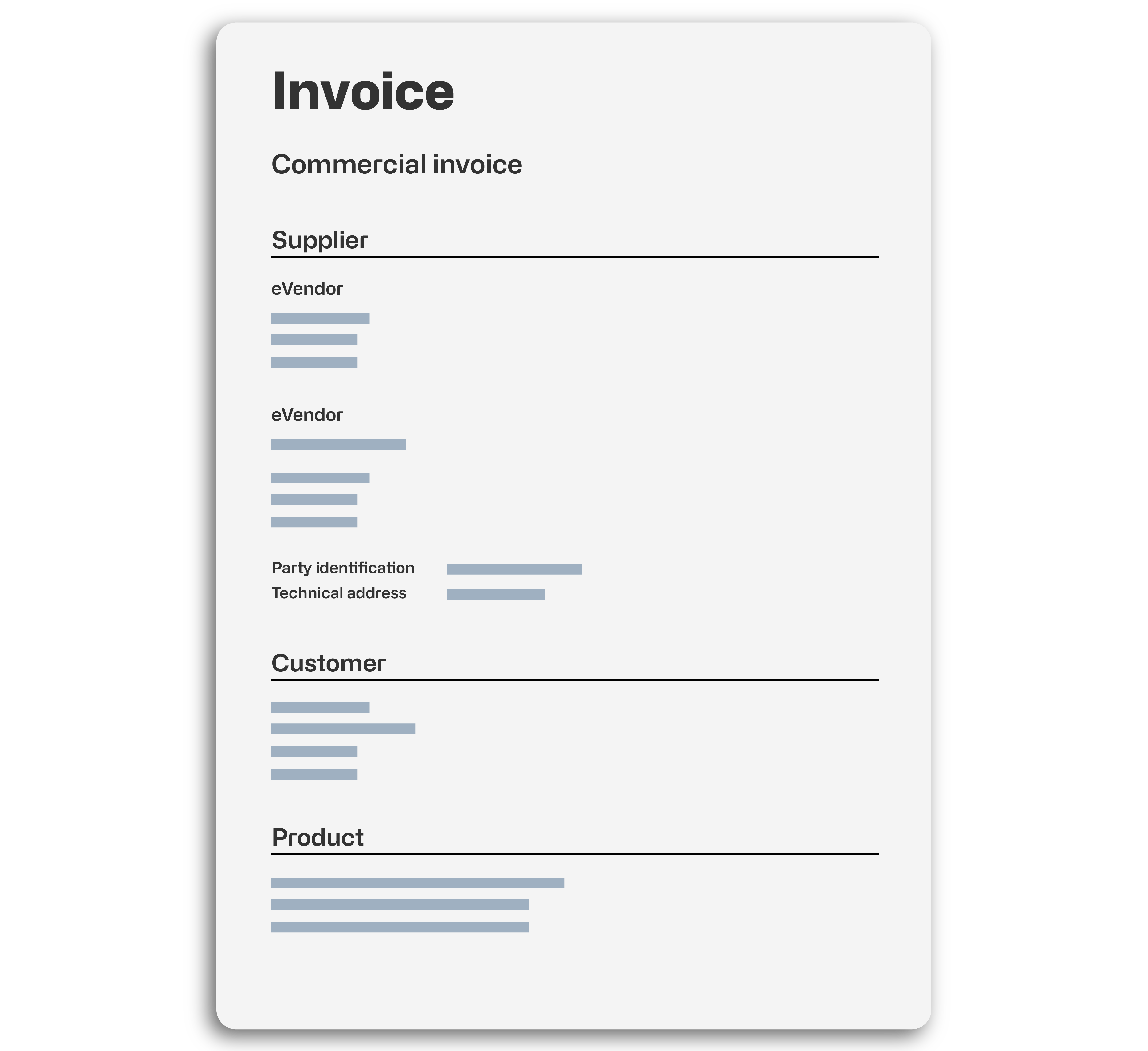
In AP automation, a template is a simple but powerful tool. Think of it as a container for business rules. It shows the system how to manage certain documents, like invoices or credit memos.  

Some vendors claim that templates are outdated. Others say they’re no longer necessary. But the truth is, templates bring structure, consistency, and reliability to automated invoice processing software. 

Templates help ensure every document is handled the right way—every time. 

A template can tell the system: 


✔️ Where to look on the document for specific data (like invoice number, date, total amount, VAT, etc.)

✔️ How to interpret that extracted text 

✔️ How to map the data to the correct fields in your ERP system (e.g., Microsoft Dynamics 365 Business Central) 

✔️ How to validate data accurately based on accounting rules or Business Central configurations 

✔️ Which approval flow to follow 

✔️ When to automatically delegate tasks to colleagues who handle specific queries (e.g., discrepancies)

The limits of AI in invoice processing 

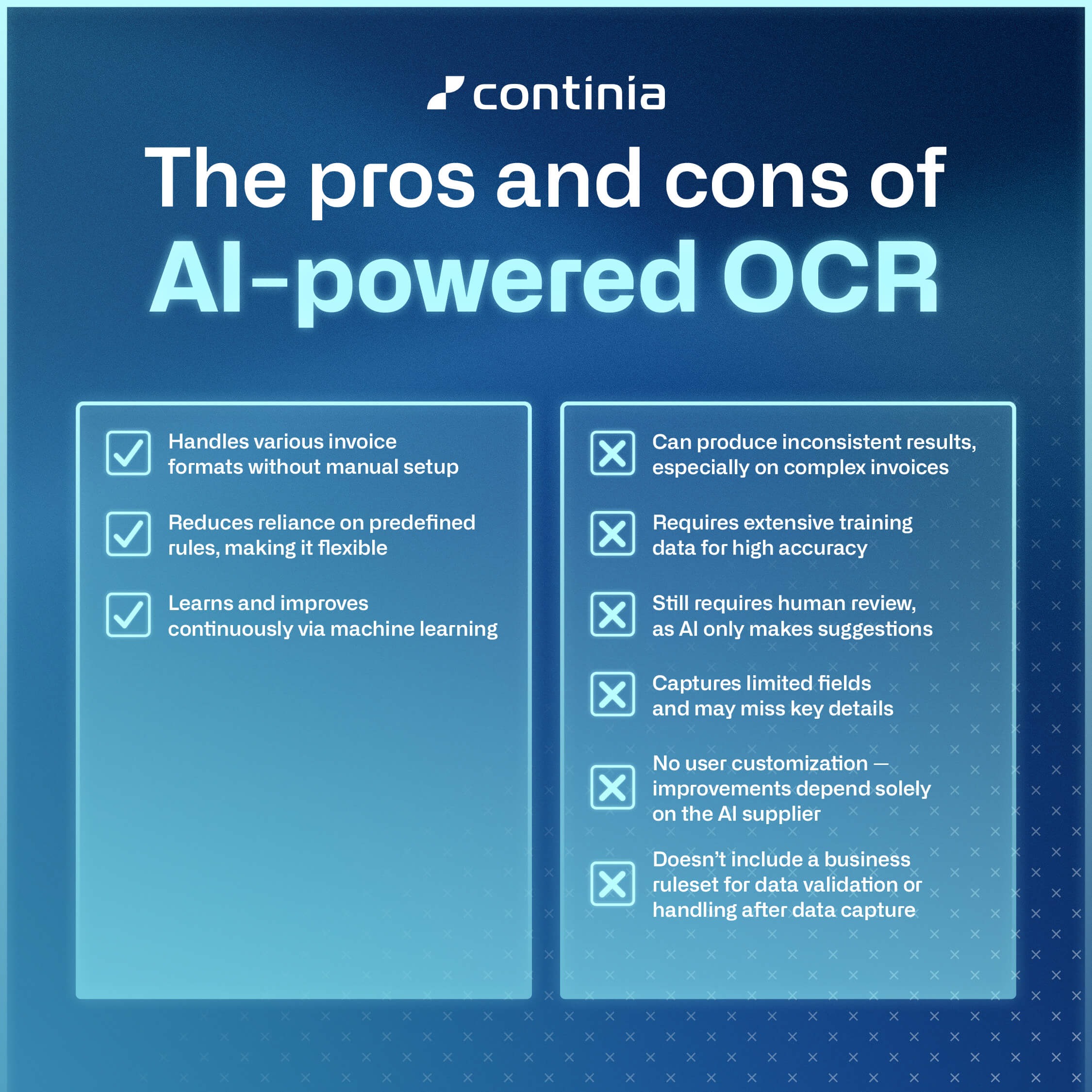
AI-powered OCR is great at handling unstructured or unfamiliar documents. It can pull out key details like totals, invoice numbers, and purchase order (PO) references—without needing predefined rules or templates. Over time, it can learn and improve through machine learning (ML). 

But artificial intelligence isn’t perfect. It depends on large volumes of training data and can deliver inconsistent results, even when processing similar invoices. Irregular layouts or important fields in unexpected places can still cause mistakes.  

AI models are also often trained on shared datasets. This means some providers may need to share invoice data. While this can improve performance, it raises important data privacy concerns. 

How templates improve AI accuracy 

In accounts payable automation, templates provide the structure, accuracy, and control that AI alone can’t always deliver. They ensure documents are processed the same way every time—especially for recurring vendors. This means fewer errors, faster approvals, and simpler compliance. 

Templates define the rules up front and apply a clear, explainable layer of logic to every document. Unlike generative AI, where results can be difficult to interpret, templates are fully adjustable and transparent for the user. This built-in guidance strengthens AI-powered OCR and leads to reliable, predictable outcomes. 

How document templates work  

Templates do more than just recognize data — they define how documents are understood and processed. For example, when an invoice arrives in Business Central from a known vendor, Continia Document Capture applies the correct template to: 

  1. Find the right data 
  2. Control what happens to the document next 

Each template includes: 

  • Template Fields – These define exactly where the system should look for information (like invoice number, date, or total) and how to read it. You can also adjust, alter, calculate, and even combine or split captured values directly within these fields. 

  • Template Card – This sets the rules for what happens to the document next, like validation, approval, and posting. 

Benefits of templates in AP automation


One-time setup 

Once a vendor template is configured, all future invoices from them will follow the same rules. 

With Document Capture’s built-in vendor templates, you’re up and running instantly. 

Higher accuracy  

Key data like invoice numbers, dates, totals, and line items are consistently captured. This reduces manual input and the chances of misinterpretation. 

Controlled document flow  

Validation and processing steps are automatically triggered and executed as defined in the template. 

Increased efficiency  

Templates streamline routine repetitive tasks in invoice processing, while AI focuses on new formats. 

Scalability  

AI can quickly process new vendors, while templates ensure reliable document processing for recurring ones. 

Audit-ready 

Predictable processes make it easier to meet regulatory requirements and ensure financial records remain accurate and audit-ready.   

Side-by-side comparison: AI vs. templates vs. both 

Here’s how a combined approach (like Continia’s) stacks up against AI-only or template-only solutions: 

Capabilities 

AI-only  

Templates-only  

AI + Templates  

Handles new formats 


High accuracy for known vendors 


Built-in error checking 


Fast vendor onboarding 


Human oversight required 


🔄Minimal 

Audit & compliance ready 


Keeps your data private 

❌* 


*Many AI solutions rely on shared datasets to improve performance—be sure to check how your data is handled.  

More than invoices: Process automation across document types 

Another overlooked advantage of templates? They unlock process automation beyond AP.

Continia Document Capture does more than just handle invoices. It supports many types of documents from the start, helping make your business operations smoother.

This means you can standardize and automate the handling of different document types in one solution — not just invoices, but a wider range of business-critical documents as well.

In turn, you can handle key workflows across procurement, logistics, finance, and compliance.

Your ERP system truly transforms into a real process automation platform! 

Document types we support include: 


✔️ Purchase invoices 

✔️ Purchase credit memos 

✔️ Purchase orders  

✔️ Sales orders  

✔️ Vendor applications 

✔️ Receipts 

✔️ Bills of lading  

✔️ Contracts 

✔️ Inspection reports

Changing the conversation around OCR 

The idea that AI alone can replace templates in automated invoice processing software is a myth.

Instead of choosing one over the other, businesses should embrace the strengths of both. AI-based OCR software brings adaptability, while template-based OCR provides structure and reliability.  

By combining these two approaches, businesses can achieve faster, more accurate invoice processing automation while staying compliant and in control. The future of OCR technology isn’t about replacing templates—it’s about making AI and templates work together for the best results. 

Document Capture: Built for the real world of document processing 

Simplify and streamline your accounts payable process with Continia Document Capture.

This powerful solution combines AI-driven OCR with template-based OCR for unmatched accuracy and efficiency. Whether you’re processing thousands of vendor invoices or routing contracts and inspection reports, we’ve got you covered.


  • AI adapts to new layouts – Quickly identifies key details, even when formats change. 

  • Ensures 100% accuracy – Templates capture invoices from repeat vendors with complete consistency. 

  • Improves over time – AI learns from new invoices while templates keep processing structured and reliable. 

  • Perfect process control – Templates don’t just recognize data—they set the entire processing workflow. 

  • Keeps you compliant & secure – A hybrid approach safeguards data integrity and makes audits effortless. 

Upgrade your AP automation with Document Capture

With Document Capture, you don’t have to choose between AI and templates—you get the best of both worlds for true AP process automation.

To learn more about Document Capture, click the link below.

Learn more