- Use cases
- BUILT INSIDE: How Continia makes your life easier
Built on Business Central, from day one
Your finance team already knows Business Central. Continia's built-inside approach means they never have to learn anything else.
Our automation lives directly inside the platform, so new capabilities appear right where your team already works, using the same interface, database, and update cycle. It's just Business Central, doing more.
Continia has spent more than 30 years focused exclusively on NAV and Business Central, building directly in the platform's native code instead of connecting to it from outside. We specialize in Microsoft's architecture, to make it feel like our solutions were there all along.
Why it makes a difference
Cheaper to install
There's no external system to connect, so there's less to configure and less that can go wrong during setup. Installation is quick, with no risk of incompatible solutions, and it can all be handled by your existing Microsoft partner.
Always up to date
Continia updates in step with Business Central's own release cycle, so a new Business Central version never leaves you waiting on a separate patch or stuck on an older one to stay compatible.
Use it right away
New capabilities show up inside the Business Central your team already knows, with nothing extra to log into or figure out first. You benefit immediately as your user interface and way of working remain the same, so you can get started with minimal training.
One partner
Your Microsoft Dynamics partner can implement and support Continia the same way they support Business Central itself, so you're not adding another vendor to manage.
Built inside — or just connected?
There are plenty of automation tools available for Business Central, ranging from fully embedded extensions to simple integrations. Here's how the two approaches compare.
| Built inside | Connected | |
|---|---|---|
| Login | One Business Central login |
Separate login or portal |
| Look & feel | Same screens and menus |
A different look and feel |
| Data | Uses Business Central's database |
Synced with an external database |
| Updates | Updates with Business Central |
Needs separate compatibility checks |
| Vendor | Your existing Microsoft partner |
An extra vendor |
| Code | Written in Business Central's native code |
Its own codebase, linked by API |
See it for yourself
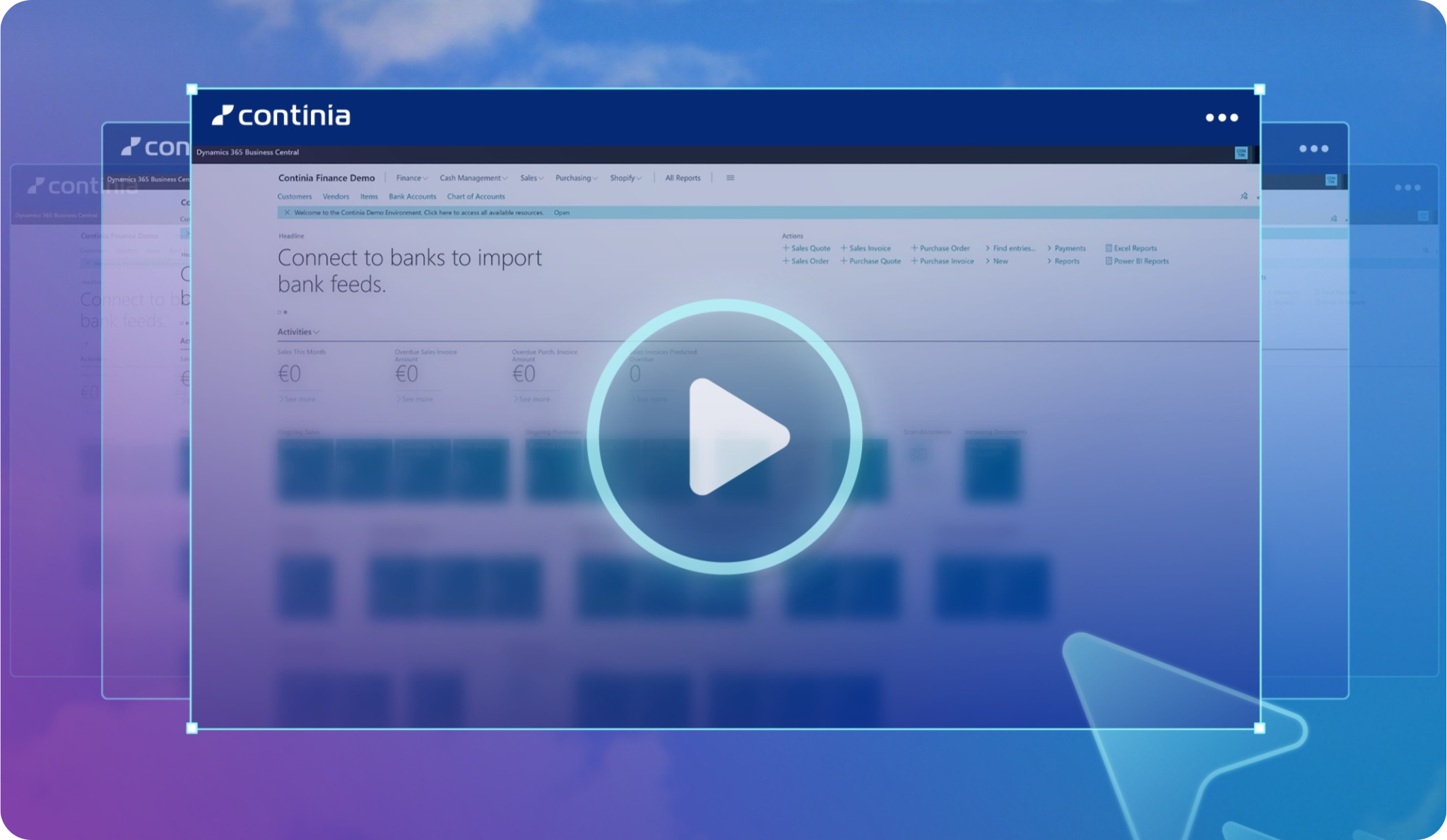
The easiest way to understand the impact of built inside is to look at it inside Business Central. Explore any of our interactive demos, and see for yourself how seamlessly Continia assists in the interface your team already uses.
They're completely free, can be completed at your own pace, and require no installation or sign-up.
"Out of all the solutions we evaluated, Continia had the best support, the most intuitive interface, and the strongest integration with Business Central"
Read the full storyFrequently asked questions
-
What's the difference between "built inside" and an integration?
An integration connects two separate systems so they can exchange data. Built inside means there's only one system: Continia becomes part of Business Central itself, using its own database, screens, and security model, instead of syncing with them from the outside. As a user, you will experience Continia as extra buttons and menu items that become available directly embedded in the existing interface.
-
Does this apply to all of Continia's solutions?
Yes. Document Capture, Document Output, Expense Management, Continia Banking, and Continia Finance are all built the same way, embedded directly inside Business Central.
The only Continia solutions not built inside Business Central are the tools that are specifically designed for employees who do not have Business Central access. These include the Expense Mobile App for submitting expenses on the go, as well the Expense Portal and the Approval Portal, for desktop expense submission and approval for non-BC users.
While these specific portals are external, they do, however, exchange data directly with Business Central ensuring that the finance department always has a real-time overview of expenses and approvals. -
Does built inside cost more to set up?
No, it usually costs less. With no external system to connect, there's less to configure during implementation, and your existing Microsoft partner can handle the setup the same way they handle Business Central itself.
-
Can I see this for myself before installing anything?
Yes. Continia's free interactive demos let you explore how each solution works directly inside Business Central, with no sign-up required. When you're ready to try our solutions in your own setup, you can also activate a 30-day free trial.