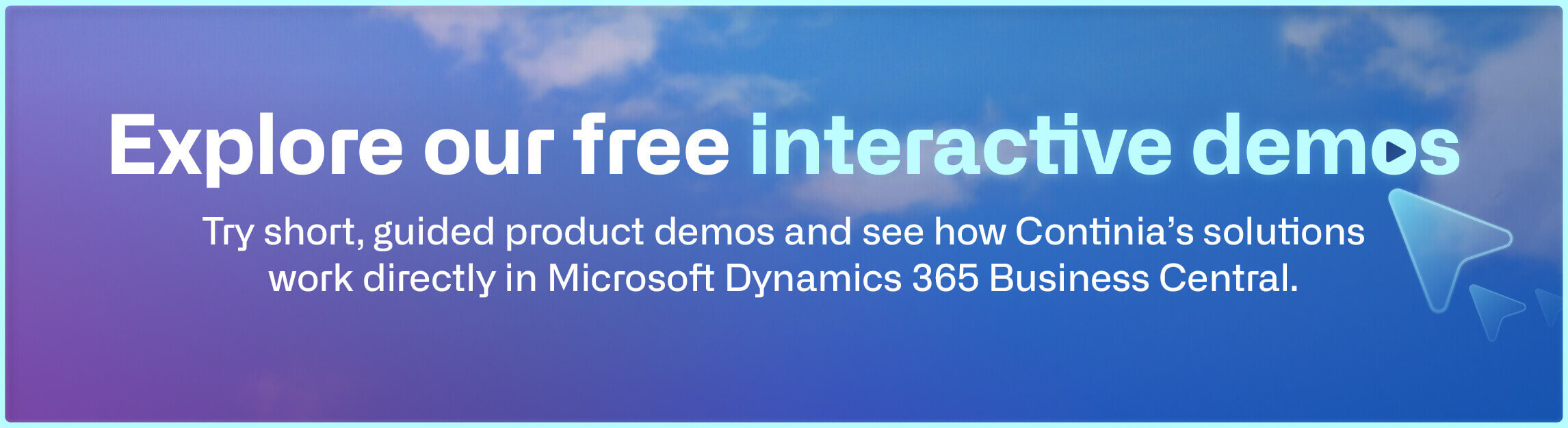
Browse the available demos:
All demos are free to explore, require no sign-up, and can be viewed at your own pace.
Document Capture | Expense Management | Document Output | Continia Finance | Continia Banking
Document Capture
From invoice received to invoice posted — automatically
Step through the full accounts payable workflow inside Business Central, from incoming invoice capture to approval and posting.
Follow the process through both the web approval portal and directly in the system.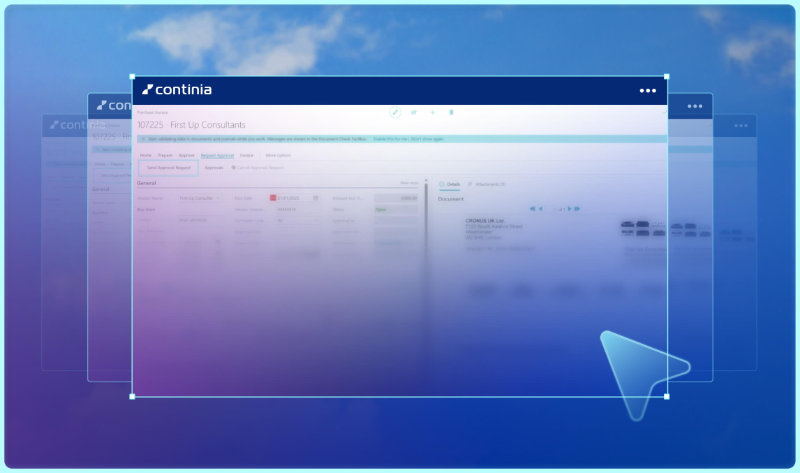
Expense Management
From mobile submission to posted expense
Follow the full expense workflow from both sides — how employees submit claims and mileage, and how your finance team reviews and approves them inside Business Central.
Document Output
Send the right document to the right place, every time
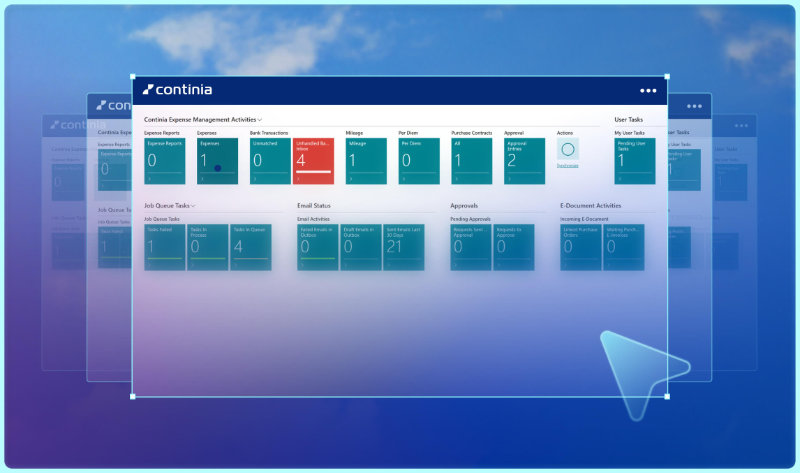
Walk through how outgoing business documents are prepared, formatted, and delivered directly from Business Central.
Explore how Document Output handles customer-specific delivery setup, automated sending, and follow-up across your accounts receivable workflow.
Continia Finance
Cut the manual work from your balance confirmation process
See how Continia Finance handles balance confirmation letters directly inside Business Central.
Explore how the free Essential Module helps your team work more accurately and efficiently.
Continia Banking
From payment created to payment sent — without the manual work
Follow a vendor payment through creation, approval, and export directly from Business Central.
Watch how Continia Banking automates the payment workflow so your team spends less time on manual payment handling.

Start your free trial today
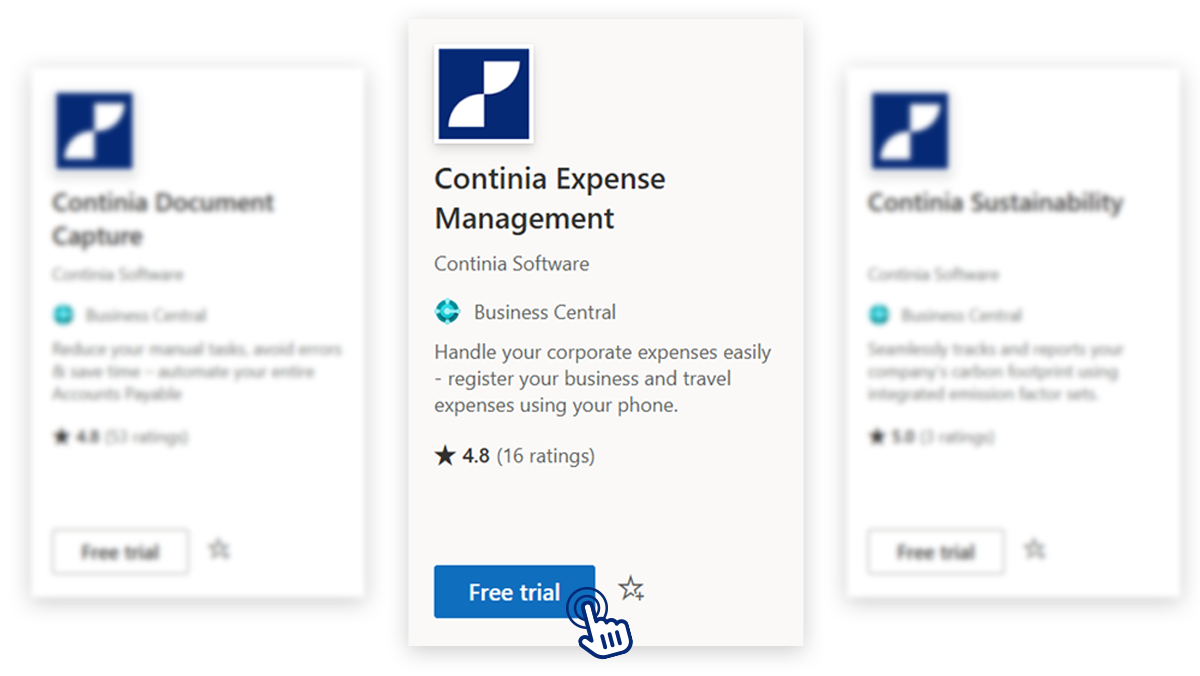
You’ve explored how Continia's solutions work through interactive product demos. With a 30-day free trial from Microsoft AppSource, you can take the next step and experience the solutions directly in your own Business Central environment.
Simply download one of our apps, follow the set-up, and get started in less than 15 minutes.
Frequently asked questions
-
What is a Continia interactive demo?
A Continia interactive demo is a short, self-guided product tour that lets you explore selected workflows step by step. Instead of watching a video, you can click through the guide yourself and see how Continia’s solutions work inside Microsoft Dynamics 365 Business Central.
-
Can I access the interactive demos without signing up?
Yes. All demos are free to explore and require no sign-up. You can access each interactive demo without registration and view it at your own pace.
-
Which Continia product demos are available?
You can explore interactive product demos for several Continia solutions, including Document Capture, Document Output, Expense Management, Continia Banking, and Continia Finance.
-
Can I try a Document Capture or Expense Management demo?
Yes. You can explore a Document Capture demo to see how invoice capture and approval workflows work in Business Central, or try an Expense Management demo to follow how expenses move from employee registration to approval and posting.
-
Can partners and consultants use the product demos?
Yes. The demos can be useful for partners, consultants, and sales teams who want a quick way to understand or present Continia’s solutions. They can also help finance teams and decision-makers explore key workflows before booking a live demo.
-
Are the demos built inside Microsoft Dynamics 365 Business Central?
The demos show how Continia’s solutions work directly inside Microsoft Dynamics 365 Business Central. They are designed to give you a practical view of finance automation workflows in a familiar Business Central environment.
-
What is the difference between an interactive demo and a live demo?
An interactive demo is a self-guided product walkthrough that you can explore on your own. A live demo is a meeting with a Continia representative, where you can ask questions and discuss how the solution fits your specific needs.