Continia Finance - G/L Open Entries
Track, reconcile, and clear open entries on G/L accounts
Bring clarity and control to your financial data with Continia Finance’s G/L Open Entries module—directly in Microsoft Dynamics 365 Business Central.

Your general ledger doesn’t tell the whole story
In Business Central, every transaction gets posted to the general ledger — and treated as final, even if it’s still in progress.
You’ve probably run into this:
- A payment is in transit but not cleared
- Social insurance is due but hasn’t been booked yet
- Interim postings or expected costs are sitting unresolved
- Auditors are asking for breakdowns you can’t easily produce
The G/L looks complete — but it’s missing context. That slows down reconciliation, delays reporting, and makes audits harder than they should be.
Add open entry tracking to your G/L
The Continia Finance - G/L Open Entries module extends your general ledger with the structure and tools you already rely on in your subledgers. It lets you track, match, and clear open entries directly in the G/L, so you’re never left wondering what’s still outstanding.
Whether you're working with cash in transit, accrual accounts, or expected inventory costs, this module helps you stay on top of every transaction — not just the ones that are fully cleared.
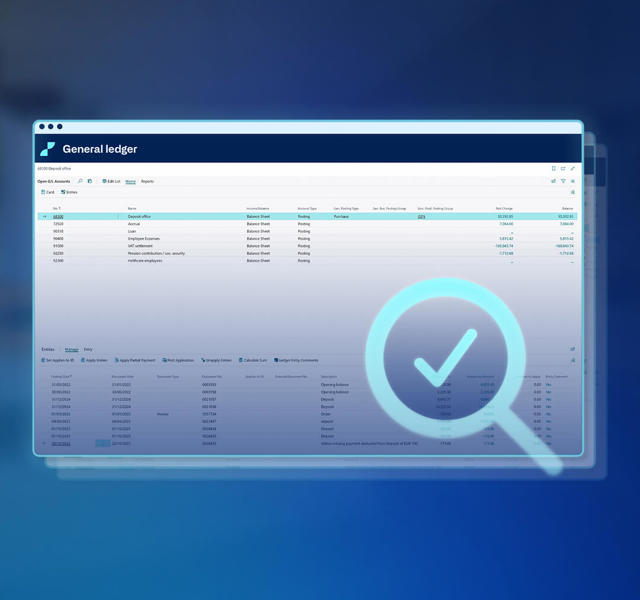
What you can do with G/L Open Entries
Choose how entries behave
With activation flexibility, you can set up open entries for all existing transactions, or choose to activate them only for new ones — based on how each G/L account is used.
Reconcile open entries faster
Streamline your month-end close by applying entries, partially or fully, from any accounting journal—just like you do with customer/vendor entries.
Get a clear overview
Track transactions that are pending, partially applied, or in progress directly in your G/L — like cash in transit, social insurance payments, or inventory cost estimates.
Simplify audit preparation and reporting
Generate accurate open entry reports by date, giving your auditors or controllers the full context they need — no workarounds or manual lists required.
Automate entry application
Close faster by matching entries automatically based on criteria like document number or dimensions—ideal for clearing interim postings or handling debit cost procedures.
Look back when needed
Generate retrospective reports to show how open entries looked at any point in time. These help with audits, historical analysis, or internal reviews.
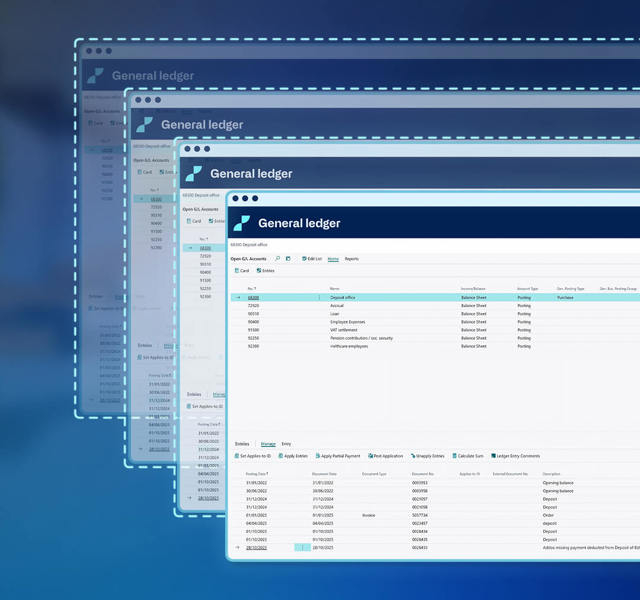
How it works
The module enhances your Business Central environment with four key pages:
- G/L Accounts: View and edit all your general ledger accounts
- Open G/L Accounts: Identify which G/L accounts are marked for open entry tracking
- G/L Accounts - Open Entries: Print and review open entries for analysis and reporting
- G/L Account Application: Apply and reconcile entries on G/L accounts with built-in matching tools
Plus, you can use the setup page to control how open entries are generated, displayed, and applied — including settings for reporting layout, hyperlink display, and dual-account application.
Why finance teams use G/L Open Entries
- Eliminates guesswork around what’s pending or in progress
- Speeds up reconciliation and month-end close
- Reduces manual reconciliation with built-in automation
- Simplifies audit prep with transparent, reportable data
- Works directly inside Business Central with no third-party tools

Is this module right for you?
Your team will benefit from G/L Open Entries if you:
✔ Reconcile transit or clearing accounts regularly
✔ Use interim accounts for shipments, receipts, or expected costs
✔ Need to track pending or partially applied G/L transactions
✔ Prepare financial reports for audits where context and transparency matter
✔ Want to reduce manual reconciliation efforts
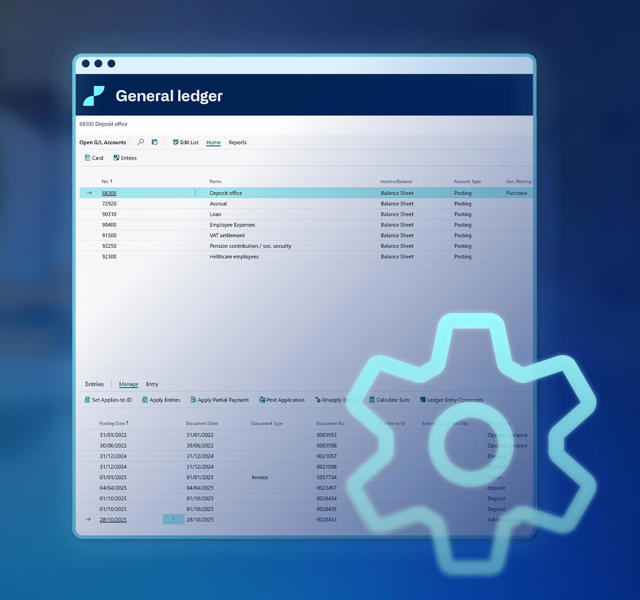
Take control of your general ledger reconciliation
With G/L Open Entries, you’re no longer stuck with a one-dimensional view of your general ledger. It helps you manage that missing middle: ongoing, unapplied, or partially cleared entries.
You get a clearer general ledger, fewer reconciliation headaches, and better audit support — all directly in Business Central.
Ready to manage open entries in Business Central?
Make your general ledger as easy to manage as your subledgers — with the structure, clarity, and control you’ve been missing.
Talk to your Dynamics partner to get started with the G/L Open Entries module today.
Find your partner