- News
- What’s new in 2026 R2
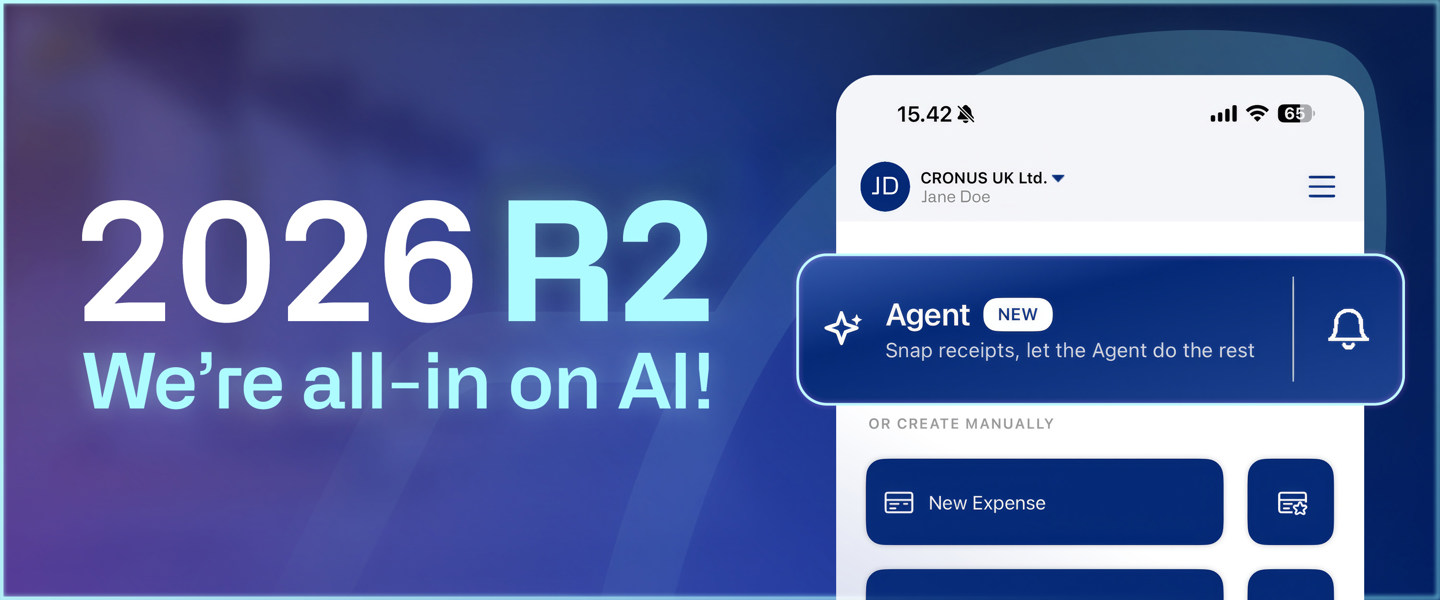
This time, we're going all-in on AI!
Continia's second release of 2026 has arrived — and it's our most AI-focused yet, with more intelligent automation now woven into the solutions you use every day. This release is built on the principle that AI should fit your business, giving you the freedom to decide how intelligence supports every workflow.
Explore the highlights below, and be among the first to see them live: join our "What's New" webinars to watch our solution experts show off the newest features and answer your burning questions.
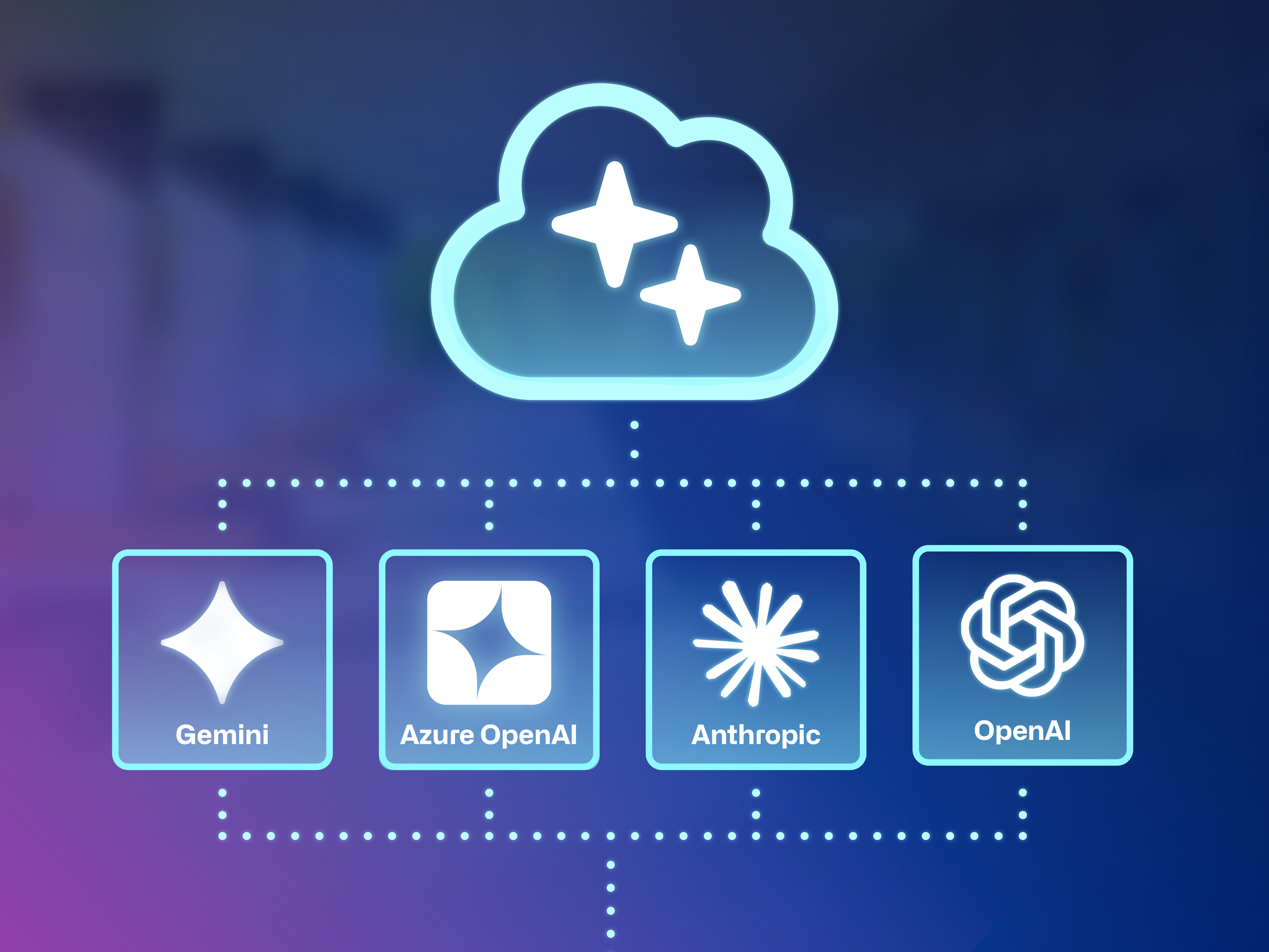
Introducing the Continia AI framework
Bring your own AI subscription to Business Central, with support for Anthropic, OpenAI, Gemini, and Azure OpenAI. You choose which model handles which task, staying in control of cost and performance.
Powered by your own subscription, the framework launches with smart AI account suggestions in Document Capture, and Service Pack 1 will add context-aware capture (LLM) that understands the complex invoices standard AI capture struggles with. You can even give instructions on how each document should be captured.
This is just the start. We'll extend the capabilities across the suite in the service packs and releases ahead.
Ready for the e-invoicing mandates ahead
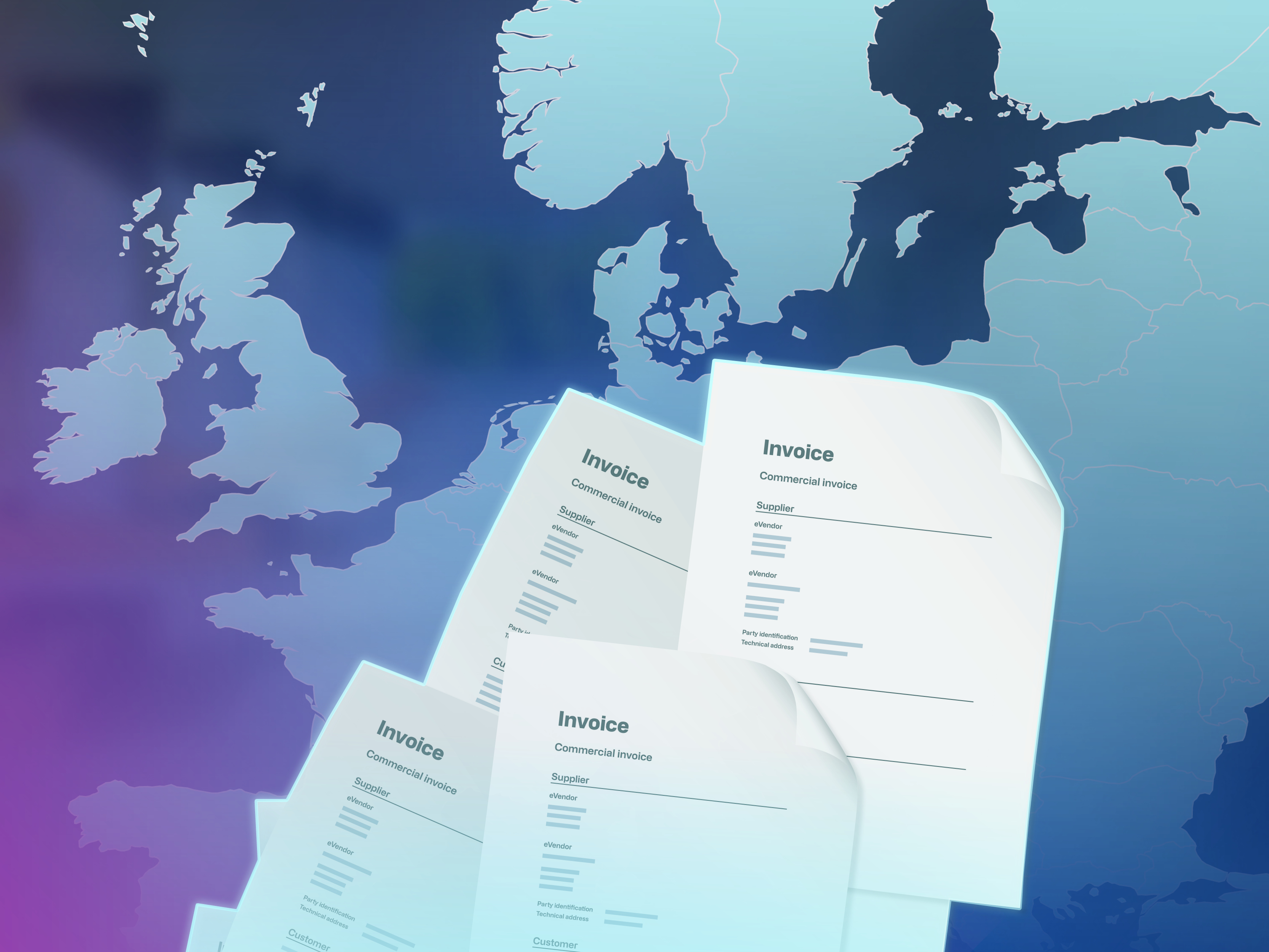
Continia eDocuments now supports one of Europe’s most complex e-invoicing mandates in France — along with e-reporting. As part of this, we’ve introduced a new Scenario Framework: set up the requirements of each country, customer, or vendor once, and every e-invoice you send automatically includes the right details. This makes it easier to support new markets as e-invoicing mandates roll out across Europe.
Getting connected is also easier than ever. A new assisted setup guide also makes onboarding to the Continia Delivery Network less technical, with a faster KYC process.
Explore the latest updates
Alongside our biggest step into AI yet, we’ve introduced new features across the Continia suite to improve automation, usability, and control in your daily work. Below, you’ll find the top highlights from 2026 R2 for each solution. For a complete overview of the latest and upcoming features, visit Continia Docs →
-
Document Capture
AI account suggestion
Process invoices faster by letting your AI model pick the right accounts for you. When recognizing a purchase invoice, AI automatically suggests the correct G/L Account, Item, Item Charge, or other account types by learning from your historical data and the recognized header and line details, keeping account coding consistent across documents.
Auto-assign document status codes
Save time on manual follow-up by automatically assigning a status code to a document. When a predefined comment is triggered — like “Vendor bank account no. is not correct” — the document is automatically set to a status like Needs Review. Once assigned, just sort the journal by status to find what requires attention.
Enhanced item tracking capture
Automatically capture multiple tracking values per item line — like Lot No., Serial No., and Expiration Date — so a line of 3 pieces can capture 3 serial numbers. Tracking data also carries over when a purchase invoice is matched to an order, saving time and keeping your purchase documents consistent.
Simpler eDocuments onboarding
Get up and running faster with a simpler onboarding experience. A new assisted setup guide walks you through Continia Delivery Network registration step by step, taking the technical weight off the process and making it much smoother.
eDocuments support for French e-Invoicing
Meet France's e-invoicing mandate and its CTC model with Continia eDocuments. With Continia acting as your state-certified platform (plateforme agréée), you exchange the required formats through the Continia Delivery Network — and French eReporting is covered too.
-
Expense Management
Expense Agent
Get an AI agent that handles your expenses for you. From logging individual expenses to completing full Expense Reports, it gets the work done in a fraction of the time—so all that’s left is a quick check before you submit. Available in the Continia Expense Portal and Expense App.
AI-assisted G/L account mapping
Set up expense types faster with AI. Get match suggestions to existing G/L accounts, so all that’s left to do is simply review, adjust, and confirm the suggested mappings.
A refreshed Expense Portal and Expense App
Enjoy a smoother experience in the Continia Expense Portal and Expense Mobile App. With modernized interfaces and more intuitive navigation, Expense users can easily find what they need to manage their expenses.
Improved onboarding experience
Get up and running faster with a simpler onboarding experience. New Expense users can find their way around the features and complete initial setup more easily, with clearer guidance and more intuitive steps.
Access expense attachments across Business Central
Keep your supporting documentation close at hand across Business Central. Open expense attachments directly from posted documents and their ledger entries — including purchase invoices and general, vendor, employee, and project ledger entries.
-
Document Output
Precise variant management
Get control over exactly which message variant gets used, without maintaining a near-copy of your template for every combination. A template line can now match on multiple criteria, like location, dimensions, and field values. When a document is sent, the line matching most criteria wins. Priority breaks ties, and a line with no criteria acts as your fallback.
Auto-send on posting
Get paid faster by sending posted sales and service invoices and credit memos to each customer the moment they're posted. Simply enable it on a customer, and documents are sent automatically according to their output settings. Failed sends are logged in the error cue, so nothing slips through.
Simpler eDocuments onboarding
Get up and running faster with a simpler onboarding experience. A new assisted setup guide walks you through Continia Delivery Network registration step by step, taking the technical weight off the process and making it much smoother.
Log storage in Azure blob for eDocuments
Keep your Business Central database lean by archiving eDocuments files to Azure Blob Storage. In high-volume environments, storing every blob file in the database drives up its size and your storage costs — offloading them to Azure keeps it smaller and cheaper to run.
eDocuments support for French e-invoicing
Meet France's e-invoicing mandate and its CTC model with Continia eDocuments. With Continia acting as your state-certified platform (plateforme agréée), you exchange the required formats through the Continia Delivery Network — and French eReporting is covered too.
Invoice response for eDocuments
Catch rejections early. When a recipient accepts or rejects an e-invoice sent via the Continia Delivery Network, the status updates automatically. Anything needing follow-up appears in the new eDocuments Requiring Attention Cue.
-
Banking
Merge rules
Combine multiple bank transactions into a single transaction with merge rules — reducing manual reconciliation. It's especially useful when your bank statement contains multiple transactions, like credit card transfers, that you need to match to a single entry on the bank.
Automatic proposal application
Spend less time on reconciliation by choosing how and when payment proposals are to be applied — even when the amounts don’t match exactly. E.g., if a payment reference rule identifies a proposal set to allow partial application, it's applied automatically.
Reminder & finance charge payment matching
Automatically match payments made against reminders and finance charge memos. The reminder or memo number in the bank transaction description is used to find the related customer ledger entries and suggest a match during reconciliation.
Assign document numbers to journal lines
Keep a clear audit trail by assigning a document number to each journal line in the Payment Reconciliation Journal, drawn from a number series set up on the bank account. That number carries through to every posted entry, so you can trace any entry back to its source.
Enhanced payment allocations
Get more control and flexibility from payment allocation. Building on the existing setup, predefined rules now cover a broader range of scenarios, so you can split payments across multiple accounts automatically and consistently — staying in control of cash flow while meeting VAT and net separation requirements.

See the latest features in action!
Join our solution experts as they walk through the biggest updates in 2026 R2 and share tips on how to get the most out of the latest features.
In these sessions, our solution experts will:
- Walk you through the newest features and updates
- Share best practices for setup and everyday use
- Answer your questions live